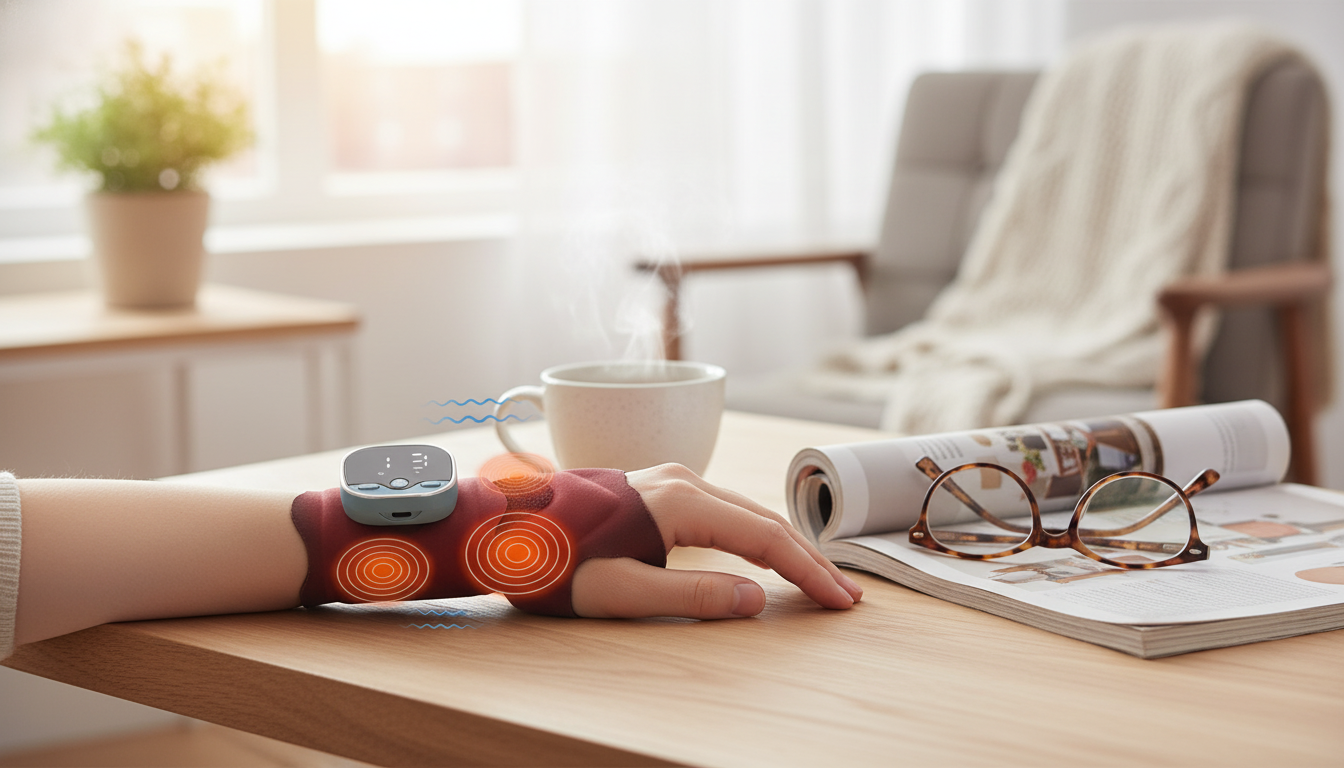
Wrist stiffness and overuse discomfort can build up fast from typing, scrolling, crafting, and repetitive work. A smart wrist massager that combines heat, gentle compression, and EMS stimulation can help create a short, consistent recovery ritual—especially when voice control makes it easier to use while resting. Instead of guessing which setting to press next, voice prompts and simple adjustments help keep sessions smooth and repeatable, which is often the difference between a device that gets used daily and one that ends up in a drawer.
A heated wrist massager with EMS and hot-compress support is built for routine comfort and relaxation—think “recovery break” rather than medical treatment. The goal is to make your wrist area feel warmer, looser, and less tight after long stretches of repetitive motion.
Each feature targets a slightly different “why does my wrist feel like this?” moment—stiffness, that tight-band feeling, or end-of-day fatigue through the forearm. When used together, the session can feel more complete than heat alone, especially after long keyboard time or repetitive gripping.
| Feature | How it feels | Best time to use | Helpful tip |
|---|---|---|---|
| Heat / hot compress | Warm, soothing | After work, before bed | Start low and increase after 2–3 minutes |
| Compression / massage | Gentle squeeze, rhythmic pressure | During breaks, after repetitive tasks | Keep wrist centered for even pressure |
| EMS stimulation | Tingle/pulse, light muscle activation | Short sessions when muscles feel tired | Increase intensity slowly to avoid discomfort |
| Combined session | Warm + squeeze + pulse | End-of-day recovery routine | Use shorter duration if new to EMS |
People who get the most value tend to share one thing: they do the same wrist motions repeatedly. A device like this fits best when it becomes a predictable micro-break tool.
If wrist symptoms include persistent numbness, weakness, or radiating pain, it’s smart to get checked—those can be signs of issues that need medical evaluation. For background reading, Johns Hopkins Medicine provides an overview of carpal tunnel syndrome and common symptoms: Johns Hopkins Medicine: Carpal Tunnel Syndrome.
When your wrist is positioned inside a massager, the last thing you want is to twist your arm to hunt for buttons. Voice control (or voice guidance paired with minimal controls) makes the device feel less “gadgety” and more like a quick, relaxing routine.
Heat should feel comfortably warm—not “hot.” If you want a quick refresher on when heat therapy is typically used for comfort, Cleveland Clinic offers a helpful overview: Cleveland Clinic: Heat Therapy.
For additional general context on electrical stimulation concepts, MedlinePlus has a straightforward patient-facing guide to TENS: MedlinePlus: Transcutaneous electrical nerve stimulation (TENS). (EMS devices vary—always follow the instructions for your specific product.)
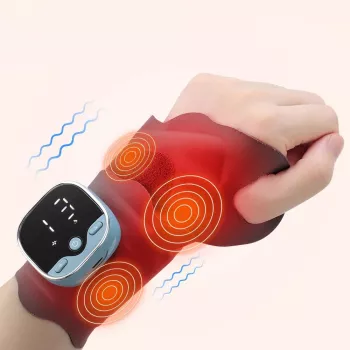
If you want a simple, giftable option for daily desk breaks or an end-of-day wind-down routine, the Smart Voice Heated Wrist Massager with EMS & Hot Compress Support combines warmth, gentle compression, and EMS sensations in one compact device.
| Item | Details |
|---|---|
| Name | Smart Voice Heated Wrist Massager with EMS & Hot Compress Support |
| Price | $22.51 USD |
| Availability | In stock |
| Product page | View product |
It typically feels like a tingling or pulsing sensation, sometimes with light muscle twitching. Start at the lowest intensity and increase slowly until it feels comfortably noticeable, not sharp or painful.
Many people prefer short sessions (about 10–15 minutes) once or twice daily, depending on comfort. Take breaks and stop if you notice skin irritation or increased discomfort.
People with implanted electronic devices (such as pacemakers), certain heart conditions, pregnancy (device-dependent guidance), reduced skin sensation, or acute injuries should consult a clinician and follow the device instructions.






Leave a comment