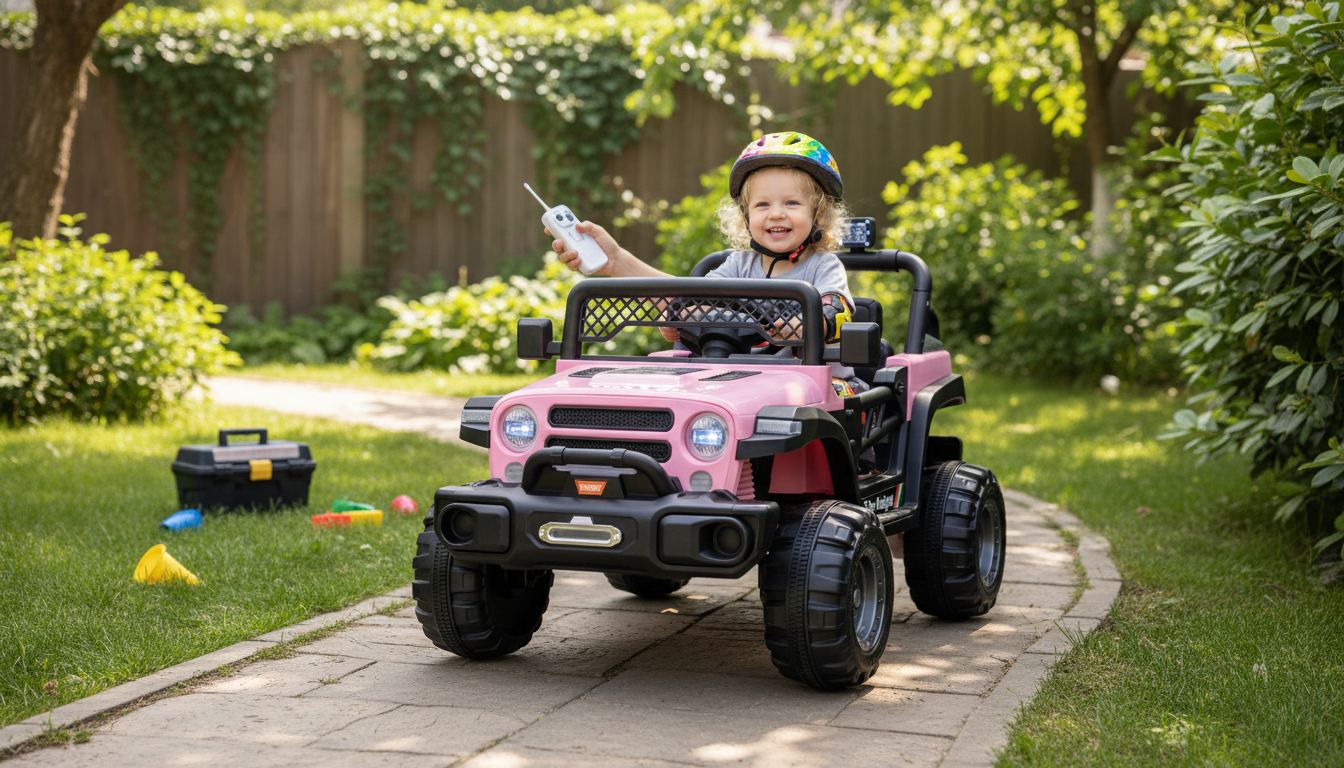
A 12V ride-on car can turn everyday play into outdoor adventures—while a parent remote adds peace of mind for younger drivers. This guide covers the features that matter most, how to set up safe riding routines, and what to look for so the car fits a child’s age, space, and comfort.
A 12V electric ride-on car is built to give kids a “real driving” feel at kid-appropriate speeds, with simple controls that help them learn steering, starting, and stopping. The parent remote is the key difference for families with first-time drivers or shared outdoor spaces.
For added peace of mind, it’s worth aligning your routines with general child safety guidance and product safety recommendations from sources like the U.S. Consumer Product Safety Commission (CPSC) and battery/charger safety information from UL.
Most mishaps happen when kids get comfortable and adults relax the basics. A 30-second pre-ride check helps keep “fun” from turning into “too fast, too close, too bumpy.”
| Checkpoint | What to look for | Fix if needed |
|---|---|---|
| Seat belt | Buckle clicks; belt lies flat | Adjust strap; replace if frayed |
| Remote control | Pairs reliably; steering responds | Re-pair; replace batteries; move away from interference |
| Battery & wiring | No swelling; connectors snug; cover secured | Stop use; charge with correct charger; contact seller if damaged |
| Tires & axles | Wheels spin freely; no wobble | Tighten hardware; clear debris |
| Riding area | Flat, open, visible | Relocate to driveway/patio; set boundaries |
The parent remote isn’t just a “backup.” Used well, it’s a teaching tool that helps kids learn safe lines, gentle turns, and controlled stopping—without constant grabbing or sudden corrections.
A simple routine that works well is “Stop → Eyes on parent → Hands still → Parent takes control.” This makes transitions predictable and reduces sudden steering inputs when the remote takes over.
A 12V system typically offers more pep than smaller ride-ons, but runtime depends heavily on conditions. Expect shorter sessions on grass, slopes, or rough pavement, and longer sessions on smooth, flat surfaces.
If you’re setting up a “pit stop” spot for breaks and supervision, an outdoor seating area can make long play sessions more comfortable for adults. The 9-Piece Outdoor Patio Set with 47″ Fire Pit Table & 50,000 BTU Propane Fire Pit creates a defined hangout zone (use the fire pit only when kids are done riding and the area is fully supervised).
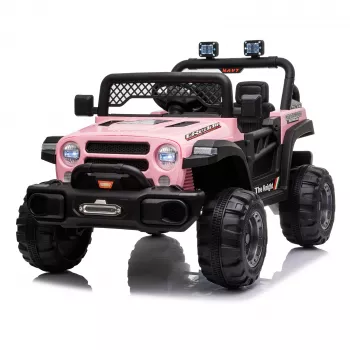
Kids 12V Electric Ride-On Car with Remote Control
| Item | Details |
|---|---|
| Product | Kids 12V Electric Ride-On Car with Remote Control |
| Price | 446.32 USD |
| Availability | In stock |
For a smooth “driver training” experience, having an adult seat nearby can help you stay engaged without hovering. If you want a cozy spot for supervision between practice laps, consider the Oversized 360° Swivel Barrel Chair with Storage Ottoman – Modern Living Room Accent as an indoor break-area option for charging and cooldown time.
For more general guidance on safe outdoor play routines, the American Academy of Pediatrics (HealthyChildren.org) is a helpful reference.
Most manufacturers set an age range, but the better rule is fit and supervision: the child should sit back comfortably, use the belt correctly, and understand basic stop/turn cues. Beginners typically do best starting with the parent remote in a clearly marked area before transitioning to child driving.
Runtime varies with child weight, terrain, speed mode, and temperature, but many 12V ride-ons land around 45–90 minutes in typical driveway use. To extend battery life, avoid fully draining it, let the battery cool before charging, and store it in a dry, moderate-temperature space.
Common causes include incomplete pairing, weak remote batteries, being out of range, or wireless interference. Make sure the car is powered on, re-pair the remote per the manual, replace batteries, and test in a different area away from other wireless devices.






Leave a comment